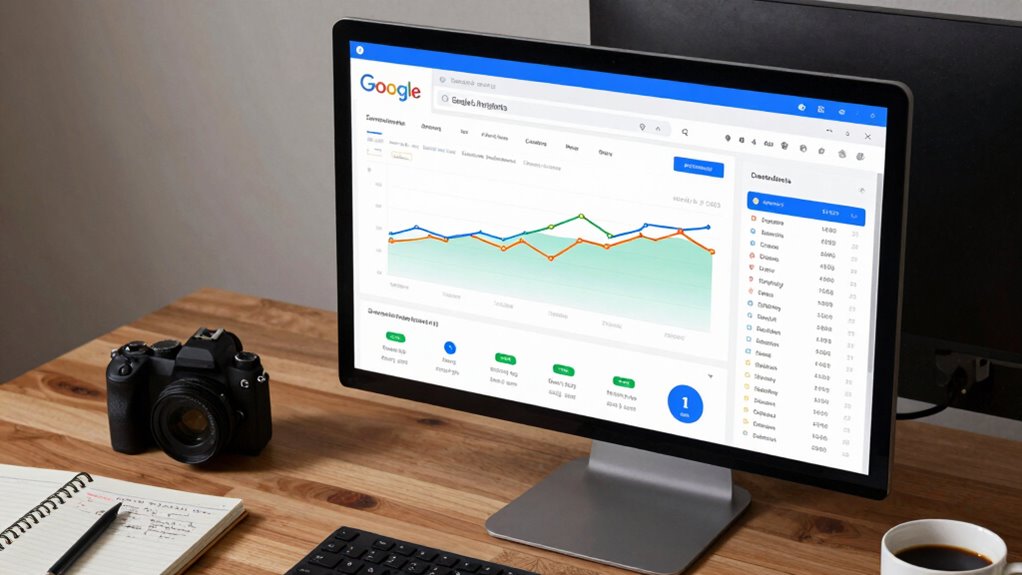

To use Search Console Insights in content planning, start by analyzing audience engagement data like popular topics, locations, and devices, so you can tailor your content accordingly. Use the keyword insights to identify trending search terms and align your content with search intent. Monitor which pages perform well and find gaps where new content could fit. Focus on traffic sources to prioritize effective channels. Keep an eye on emerging trends to stay relevant—all these tips help refine your strategy further.

Get business pricing on office and shipping supplies
- Business-only prices and quantity discounts
- Tax-exempt purchasing
- Multiple users, one account, clear invoices
Key Takeaways
- Analyze audience engagement data to identify popular topics and tailor content accordingly.
- Use keyword insights to align content with search intent and optimize for trending keywords.
- Monitor page performance to refine existing content and develop new, relevant topics.
- Track traffic sources to focus promotional efforts on the most effective channels.
- Stay updated on trending search queries to create timely content aligned with audience interests.

Understanding how your audience interacts with your content can considerably boost your content strategy, and Search Console Insights makes that easier. By analyzing how visitors find and engage with your site, you gain valuable insights that guide your content planning. This tool helps you identify which topics resonate most, enabling you to refine your approach and focus on what truly matters to your audience. When you leverage Search Console Insights, you can optimize your content for better visibility and engagement by honing in on keyword optimization. Knowing which keywords drive traffic allows you to tailor your content to match search intent, increasing your chances of ranking higher in search results.
Understanding audience engagement helps refine content and improve search rankings through targeted keyword optimization.
Audience targeting becomes more precise when you understand your visitors’ behavior. For example, if certain pages attract more clicks and engagement, you can create similar content or expand on those themes. Conversely, if some topics underperform, you can revisit your strategy—adjusting keywords, improving content quality, or offering different formats to better meet your audience’s needs. Search Console Insights also provides demographic data, such as location and device type, helping you customize your content to specific segments, making your audience feel understood and engaged. Additionally, understanding your content’s natural appeal can guide you to develop more engaging topics that align with your audience’s preferences. Recognizing the importance of audience interactions can also help you craft content that encourages more meaningful engagement and feedback. Incorporating insights about content performance can further refine your editorial calendar and boost your overall strategy.
Analyzing your data can reveal patterns that support your content decisions. For example, understanding keyword trends enables you to prioritize topics that are gaining popularity, ensuring your content remains relevant. When you align your content with what your audience cares about most, you increase the likelihood of higher click-through rates and longer engagement times. Additionally, understanding where your traffic comes from—whether organic search, social media, or direct visits—helps you allocate resources more effectively, focusing on channels that yield the best results.
Using Search Console Insights isn’t just about reacting to data; it’s about proactively shaping your content calendar to match audience interests. For instance, if you notice a spike in searches related to a particular topic, you can create more content around that theme to capitalize on the trend. It’s also useful for identifying gaps in your existing content, giving you ideas for new articles or updates that can improve your overall content strategy. By continuously monitoring these insights, you keep your content fresh, relevant, and aligned with your audience’s evolving preferences.
Ultimately, Search Console Insights empowers you to take a data-driven approach to content planning. With a clear understanding of how your audience interacts with your website, you can optimize keywords, target the right segments, and craft content that truly resonates. This not only increases your visibility but also builds a stronger connection with your visitors, turning them into loyal followers. Recognizing the importance of emerging trends in your niche can help you stay ahead in the digital publishing landscape.
As an affiliate, we earn on qualifying purchases.
Frequently Asked Questions
Can Search Console Insights Track Social Media Engagement?
Search Console Insights doesn’t directly track social media engagement or social media metrics. Instead, it focuses on website performance, organic search traffic, and content engagement. While it helps you understand how users find and interact with your site, engagement tracking for social platforms requires tools like analytics from Facebook, Twitter, or third-party social media tools. Use Search Console Insights alongside these platforms for an all-encompassing view of your overall content performance.
How Often Should I Review Search Console Insights Data?
Think of your Search Console Insights data as a garden that needs regular watering. You should review it at least once a week, especially after content updates, to catch any weeds or blooming opportunities. This frequency guarantees you stay in tune with your audience’s preferences. Keep in mind, data refreshes periodically, so consistent checks help you spot trends early and adapt your content plan accordingly.
Does Search Console Insights Include Competitor Analysis?
Search Console Insights doesn’t include direct competitor analysis, but you can use it for competitor benchmarking and market analysis indirectly. By examining your top-performing content and traffic sources, you gain insights into what works well in your niche. Comparing these patterns over time helps you identify industry trends and gaps, enabling you to refine your content strategy. This approach supports smarter decisions without needing dedicated competitor analysis tools.
Can I Customize the Metrics Displayed in Search Console Insights?
Yes, you can customize the metrics displayed in Search Console Insights. With keyword customization, you can focus on specific search terms relevant to your content strategy. Metric filtering allows you to narrow down the data, highlighting performance indicators that matter most to you. By adjusting these settings, you gain a tailored view of your website’s insights, helping you make informed decisions and optimize your content more effectively.
Is Search Console Insights Available for Non-Google Websites?
Search Console Insights is designed specifically for websites hosted on Google, so it isn’t available for non-Google websites. If you’re looking for website analytics and SEO tools for non-Google sites, you should explore alternatives like Google Analytics, SEMrush, or Ahrefs. These tools offer valuable insights into your website’s performance, helping you optimize content, track traffic, and improve your SEO strategies effectively.
As an affiliate, we earn on qualifying purchases.
Conclusion
By leveraging Search Console Insights in your content planning, you reveal a treasure trove of data that can skyrocket your site’s performance. Use these insights to understand what your audience craves and craft content that truly resonates. Don’t let your competitors steal the spotlight—harness this powerful tool to dominate your niche. Remember, with the right data at your fingertips, your content strategy can become a game-changing force that leaves everyone else in the dust.
content performance monitoring software
As an affiliate, we earn on qualifying purchases.
As an affiliate, we earn on qualifying purchases.
As an affiliate, we earn on qualifying purchases.
Fall Picks
fall essentials
As an affiliate, we earn on qualifying purchases.