
📊 Full opportunity report: Build vs Buy a Prebuilt AI Workstation on ThorstenMeyerAI.com — validation score, market gap, and execution plan.

Get business pricing on office and shipping supplies
- Business-only prices and quantity discounts
- Tax-exempt purchasing
- Multiple users, one account, clear invoices
TL;DR
In 2026, the traditional cost advantage of building your own AI workstation has diminished due to component shortages and price spikes. Buyers now must weigh cost, time, thermal control, and warranty options when choosing between building and buying.
In 2026, the long-held assumption that building a custom AI workstation is cheaper than buying a prebuilt no longer holds true, as component shortages and price spikes have shifted the economics of both options. This change impacts professionals and enthusiasts deciding how to acquire high-power AI hardware.
Historically, DIY builders saved money by sourcing individual components and tuning thermal performance, while prebuilt systems offered convenience and validated thermals. However, the 2026 AI boom has caused shortages and price increases in GPUs, DDR5 RAM, and SSDs, pushing the cost of custom builds above $1,250, often exceeding prebuilt prices from vendors like Lambda, Puget, and BIZON, who purchase in bulk and validate thermal performance before shipping.
Prebuilt vendors now frequently match or beat DIY costs, especially for high-end multi-GPU systems, because they leverage economies of scale and extensive thermal testing. These vendors also include warranties, burn-in testing, and expert support, reducing the risk for buyers. Meanwhile, DIY enthusiasts can still customize and upgrade their systems but face increased complexity and costs, especially for multi-GPU setups requiring advanced cooling and power management.
Build vs buy
an AI workstation.
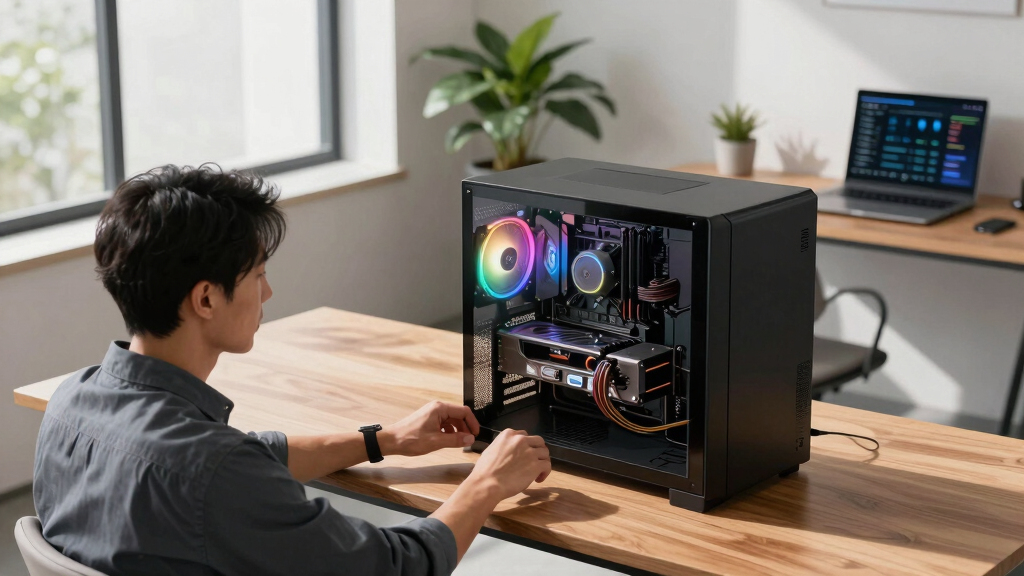
The real question behind this whole series: do you pull the five heat-and-noise levers yourself, or buy a prebuilt where the vendor pulled them for you? And in 2026, the old “building is cheaper” rule has broken. Match your situation in Part 3.
Implications of Market Shifts on AI Hardware Choices
This shift in pricing and component availability means that professionals and hobbyists must reconsider their approach to acquiring AI workstations. The traditional DIY advantage based on lower costs is diminished, and the decision now hinges on factors like thermal management, time investment, warranty, and upgradeability. Buyers must compare current prices carefully, as prebuilt options may offer better value and reliability in 2026, especially for high-performance configurations. This development influences how organizations and individuals plan their AI infrastructure, potentially accelerating adoption of validated, vendor-supported systems.As an affiliate, we earn on qualifying purchases.
2026 Component Shortages and Price Spikes Reshape the Market
Over the past year, the AI hardware market has experienced significant disruptions due to supply chain issues and increased demand driven by the AI boom. Components such as GPUs, DDR5 RAM, and SSDs have seen sharp price increases and shortages. Historically, DIY builds benefited from lower costs because of the ability to source parts individually. However, with prices rising and availability limited, many prebuilt vendors secured components early and now offer systems at prices that are difficult for DIY builders to match. These vendors perform extensive thermal validation and testing, providing a reliable, ready-to-use system with warranty coverage. The trend reflects a broader shift in the market, where the cost and effort of building are no longer guaranteed to be lower than buying preassembled systems, especially for high-end, multi-GPU configurations."The decades-old 'building is always cheaper' rule has, at least for now, broken. You can no longer assume DIY is the bargain in 2026."
— Thorsten Meyer
GPU cooling system for AI workstation
As an affiliate, we earn on qualifying purchases.
As an affiliate, we earn on qualifying purchases.
Remaining Uncertainties in Market Dynamics and Long-term Trends
It is still unclear how long component shortages and price spikes will persist beyond 2026, and whether new supply chains or manufacturing capacities will stabilize prices. Additionally, the pace of technological advancements and their impact on thermal management and system design remain uncertain, potentially affecting future build and buy decisions.
professional multi-GPU workstation
As an affiliate, we earn on qualifying purchases.
As an affiliate, we earn on qualifying purchases.
Future Market Developments and Buyer Strategies
Buyers should continue to compare current prices of prebuilt systems against DIY component costs, factoring in thermal validation, warranty, and support. As supply chains stabilize, prices may shift, and new models or configurations could emerge. Both vendors and DIY builders will likely adapt to these conditions, with potential innovations in cooling and modularity influencing the decision-making process in the coming months.
AI workstation warranty and support
As an affiliate, we earn on qualifying purchases.
As an affiliate, we earn on qualifying purchases.
Key Questions
Is building my own AI workstation still cheaper in 2026?
Not necessarily. Due to component shortages and price increases, prebuilt systems from vendors like Lambda and Puget often match or beat DIY costs for high-end configurations, especially when factoring in thermal validation and warranty.
What are the main advantages of buying a prebuilt AI workstation?
Prebuilt systems offer plug-and-play convenience, validated thermals, comprehensive support, and warranties, reducing the risk of thermal issues or hardware failures during intensive AI workloads.
Can I upgrade a prebuilt AI workstation later?
Yes, but upgradeability varies by vendor. Many high-end systems are designed to allow upgrades, but some components may be more difficult to replace or upgrade than in a custom build.
Is it worth building a multi-GPU AI system myself in 2026?
It depends on your expertise and budget. While DIY multi-GPU setups can be cost-effective, they require advanced thermal management and power solutions. Prebuilt vendors often validate these complex configurations for reliability and performance.
Source: ThorstenMeyerAI.com
Columbus Day / Indigenous Peoples' Day Picks
long weekend sales
As an affiliate, we earn on qualifying purchases.