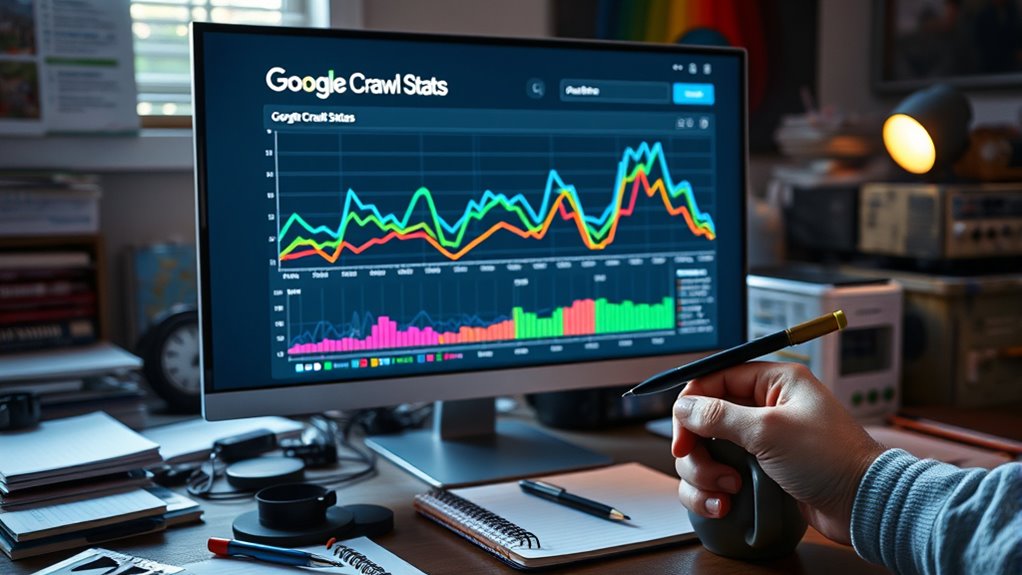

Understanding Google’s Crawl Stats report helps you see how often and how well Googlebot visits your website. Look for patterns in crawl frequency, server response times, and errors that could block or slow down crawling. Spotting uneven or low crawl activity can reveal issues like broken links or slow servers. Addressing these can improve your site’s visibility. Keep exploring these patterns to learn how to optimize your site’s crawlability and indexing.
Key Takeaways
- Analyze crawl frequency trends to ensure consistent indexing of your website’s pages.
- Monitor server response times to identify and fix slow or failing responses affecting crawl efficiency.
- Detect uneven or repetitive crawl patterns that may signal crawl bottlenecks or issues with specific URLs.
- Use patterns to identify pages with low crawl rates, indicating potential problems like broken links or slow-loading pages.
- Adjust crawl strategies, internal linking, and server performance based on pattern insights to improve overall crawlability.
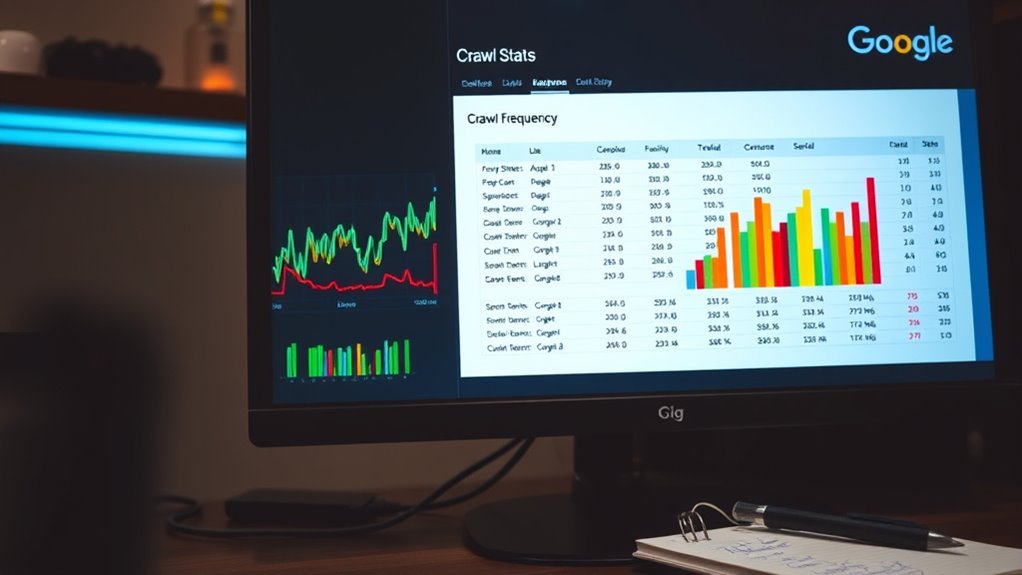
Google’s Crawl Stats Report is a valuable tool that helps you understand how Googlebot interacts with your website. By analyzing this report, you can gain insights into your site’s crawl frequency and server response times, which are vital for maintaining an efficient and healthy website. When you check the report, you’ll notice patterns in how often Googlebot visits your pages. High crawl frequency indicates that Google is indexing your content regularly, which is beneficial for timely updates and fresh content. Conversely, low crawl frequency might suggest that Google isn’t indexing your site as often as you’d like, possibly due to server response issues or crawl budget limitations.
Google’s Crawl Stats reveal how often Googlebot visits your site and responds to your server.
Understanding server response times is equally important. The report shows you how your server responds to Googlebot’s requests, highlighting any slow or failed responses. A sluggish server response can hinder Googlebot’s ability to crawl your pages efficiently, leading to incomplete indexing or delays in updates appearing in search results. If you see frequent server errors or long response times, it’s a clear sign that you need to optimize your server performance. This might involve upgrading hosting plans, optimizing your website’s code, or reducing server load during peak times. When your server responds swiftly, Googlebot can crawl your pages more effectively, ensuring your content gets indexed promptly and accurately.
Paying attention to crawl patterns can also reveal issues with specific pages or sections of your site. For example, if certain URLs are repeatedly crawled less often, it may indicate problems like broken links or slow-loading pages. These issues can impact your crawl efficiency and, ultimately, your site’s visibility. By monitoring the crawl frequency for various pages, you can identify these bottlenecks and address them proactively. Regularly reviewing the crawl stats helps you stay ahead of potential SEO problems, ensuring that your site remains accessible and well-optimized for search engines.
In addition, the report can shed light on how different content types or URL structures are being crawled. If you notice discrepancies or inconsistencies, it might be time to review your internal linking or sitemap strategy. Properly managing crawl frequency and server response times aligns with best SEO practices, helping you maximize your site’s presence in search results. The key is to keep a close eye on these metrics and make adjustments as needed to maintain excellent crawlability and indexing efficiency. This way, you guarantee Googlebot can do its job effectively, bringing more visibility and traffic to your website. Additionally, understanding projected crawl patterns can help you better plan content updates and site improvements.
Frequently Asked Questions
How Often Does Google Update Crawl Stats in Real-Time?
Google updates crawl stats approximately once or twice a day, but the crawl frequency and update timing can vary depending on your website’s size and activity. You might see recent data within a few hours, yet it’s not real-time. To get the most accurate picture, check the report regularly, as the data refreshes periodically, giving you insights into how often Googlebot visits your site and the crawl patterns it follows.
What Specific Errors Should I Prioritize Fixing From Crawl Reports?
Think of your crawl report as a treasure map—some errors are hidden gems, others are red flags. Prioritize fixing indexing issues and server errors first, as they block Google’s access and prevent your content from being indexed. Address 404 errors, DNS issues, and 5xx errors promptly. These problems can cause your site to fall off Google’s radar, so act quickly to keep your SEO health shining.
Can Crawl Stats Indicate Issues With Website Speed or Performance?
Yes, crawl stats can reveal issues with your site speed and performance. If you notice a high number of blocked requests, slow response times, or increased crawl errors, it indicates performance issues that could affect your site’s indexing. Monitoring crawl delays and response times helps you identify bottlenecks, so you can optimize site speed and enhance overall performance, ensuring better crawling and ranking by Google.
How Do Crawl Patterns Differ Between Desktop and Mobile Google Bots?
Imagine Google’s bots as busy bees, each with a different hive. Desktop and mobile Google bots follow distinct flight paths, reflecting device differences and user agent variations. You’ll notice mobile bots often crawl more frequently during peak hours, mimicking user behavior, while desktop bots tend to have steadier, slower patterns. Recognizing these differences helps you optimize your site for both devices, ensuring all bees gather nectar effectively.
Are There Tools to Simulate Google’s Crawl Behavior on My Site?
Yes, you can use crawl simulation and testing tools to mimic Google’s crawl behavior on your site. Tools like Google Search Console’s URL Inspection tool allow you to see how Googlebot views your pages. Additionally, third-party tools like Screaming Frog or Sitebulb help simulate crawl patterns, analyze site structure, and identify issues. These testing tools give you insights into how Googlebot interacts with your site, helping optimize your SEO strategies effectively.
Conclusion
By analyzing Google’s Crawl Stats Report, you can spot patterns and optimize your site effectively. Imagine Google crawling your site 500 times in a day—that’s like a busy bee buzzing from flower to flower. Recognizing such high crawl rates helps you understand how Google values your content. Keep an eye on these stats to make sure your site stays healthy and accessible, making your content more discoverable and improving your SEO efforts.