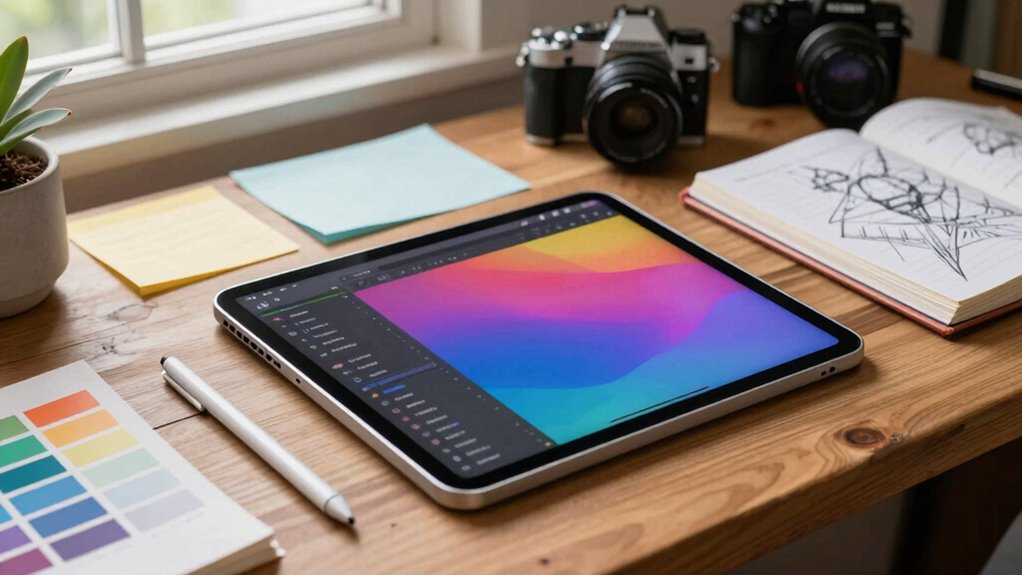

iPads seamlessly fit into modern content workflows by offering portability, enabling you to work anywhere with quick edits and spontaneous creativity. Their high-res displays and powerful processors support AR integration and professional-grade editing apps, allowing you to design, shoot, and modify content on the go. With smooth ecosystem integration, you can easily transfer files between devices, maintaining workflow continuity. If you keep exploring, you’ll discover how these capabilities can transform your content production process.

Get business pricing on office and shipping supplies
- Business-only prices and quantity discounts
- Tax-exempt purchasing
- Multiple users, one account, clear invoices
Key Takeaways
- iPads enable mobile editing and real-time adjustments, streamlining workflows across various locations.
- Integration with AR enhances immersive content creation and visualization within production processes.
- Professional-grade editing apps allow high-quality content development directly on the device.
- Seamless ecosystem and cloud support facilitate effortless file transfer and multi-device collaboration.
- Compact and powerful, iPads provide a future-ready platform for innovative and adaptable media workflows.
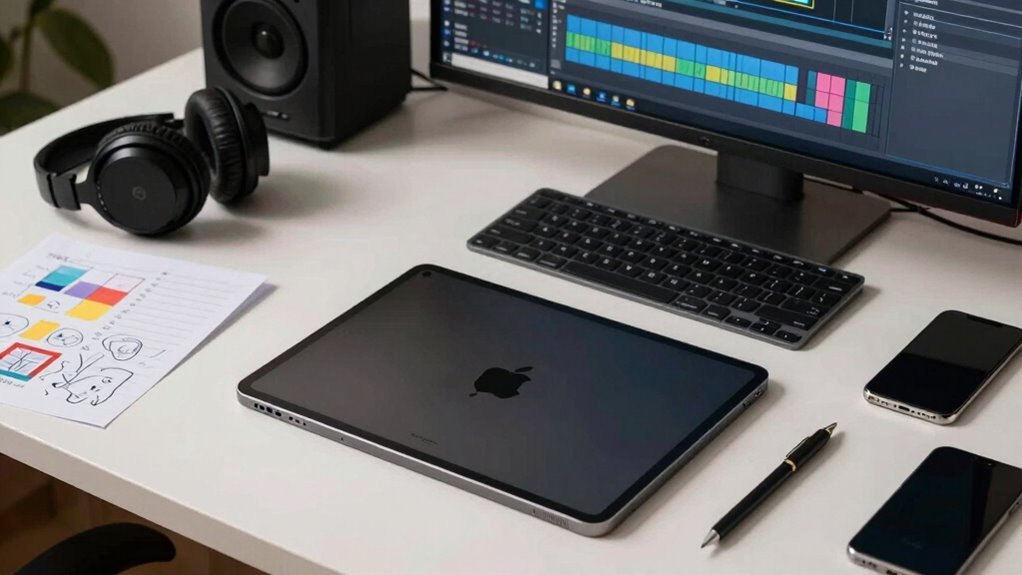
In today’s fast-paced content creation landscape, iPads have become essential tools for producers, designers, and creators alike. Their portability and versatility allow you to work seamlessly across different environments, whether you’re editing on the go or collaborating in a studio. With powerful hardware and intuitive interfaces, iPads enable mobile editing—giving you the freedom to tweak videos, adjust images, or refine designs anytime and anywhere. This flexibility is crucial in modern workflows, where time is often limited, and the ability to make quick adjustments can set your work apart.
Augmented reality (AR) is transforming how you create and visualize content, and the iPad is right at the forefront of this innovation. Thanks to its high-resolution display, powerful processors, and AR-compatible apps, you can overlay digital elements onto real-world environments with ease. Whether you’re designing interactive marketing campaigns or visualizing architectural models, AR on the iPad makes it more accessible and intuitive. It allows you to experiment with concepts in real time, providing immediate feedback and a more immersive experience. This integration of augmented reality into your workflow accelerates the creative process, enabling you to iterate faster and communicate ideas more effectively to clients or team members.
AR on the iPad makes content creation more intuitive, immersive, and allows for faster iteration and better communication.
Mobile editing on the iPad isn’t just about convenience; it’s about empowering you to be more productive. Apps like Adobe Premiere Rush, LumaFusion, or Affinity Photo put professional-grade editing tools in your hands, eliminating the need for bulky computers or external devices. You can shoot, edit, and publish content directly from your iPad, streamlining your entire process. You can also take advantage of cloud integration to keep your workflow seamless and accessible across multiple devices. Additionally, understanding the color accuracy capabilities of the device can help you ensure your visuals remain true to your creative vision during editing. This mobility also encourages spontaneous creativity—you no longer need to wait until you’re at your desk to work on a project. Instead, you can capture footage, refine visuals, or add effects wherever inspiration strikes, considerably speeding up your production timeline. Incorporating digital tools like these can further enhance your efficiency and output quality.
Moreover, the iPad’s ecosystem supports seamless integration with cloud services, external accessories, and other devices, making it easy to incorporate into existing workflows. You can start editing on your iPad and transfer files effortlessly to larger screens or more powerful workstations when needed. The combination of augmented reality capabilities and mobile editing tools makes the iPad a versatile hub for content creation, allowing you to push boundaries and innovate in ways that were previously cumbersome or impossible. Ultimately, your ability to adapt to fast-changing content demands depends on tools like the iPad that bring power, portability, and cutting-edge features into one compact device. As digital publishing continues to evolve, leveraging these technological advancements with devices like the iPad can give content creators a competitive edge in shaping the future of media.
As an affiliate, we earn on qualifying purchases.
Frequently Asked Questions
Can iPads Replace Traditional Desktop Editing Software?
Yes, iPads can replace traditional desktop editing software for many users, thanks to their touchscreen interface and powerful mobile editing apps. You can perform tasks like video editing, photo retouching, and even basic audio work directly on the device. While they might not fully replace high-end desktop software for complex projects, iPads offer a portable, intuitive option for everyday editing needs, making content creation more flexible and accessible.
How Secure Is Content Stored on iPads?
Ironically, your iPad might be safer than you’d expect. Content stored locally benefits from robust encryption security, making unauthorized access tough. When you use cloud storage, it adds an extra layer of security, provided the service uses strong encryption protocols. While no device is completely invulnerable, iPads are designed with security in mind, giving you peace of mind that your content is protected—until someone finds a way around it.
What Accessories Enhance iPad Productivity for Content Creators?
You can boost your iPad productivity with accessories like a high-precision stylus, which offers better control for detailed editing and drawing. A portable power bank guarantees you stay powered during long creative sessions, preventing interruptions. Additionally, a keyboard case enhances typing efficiency, while a sturdy stand improves comfort for prolonged use. These accessories combine stylus precision and portable power, making your iPad a versatile tool for content creation.
How Do iPads Handle Multi-User Collaboration?
When it comes to multi-user collaboration, iPads make it easy to work together seamlessly. You can share files via cloud sharing, allowing everyone to access and edit content in real-time. Multiple users can collaborate on documents using apps like Pages or Google Docs. While not as robust as a desktop setup, iPads handle multi-user tasks efficiently, making teamwork smoother and more flexible—it’s a case of many hands making light work.
Are iPads Suitable for High-Resolution Video Editing?
Yes, iPads are suitable for high-resolution video editing, thanks to their powerful processors and optimized apps like LumaFusion. The touchscreen interface allows precise editing, while the portability advantages let you work from anywhere. Although large projects might be better on a desktop, iPads handle high-res footage efficiently for most creative workflows. Their lightweight design and intuitive touch controls make them a practical choice for on-the-go editing tasks.
professional editing apps for iPad
As an affiliate, we earn on qualifying purchases.
As an affiliate, we earn on qualifying purchases.
Conclusion
As you integrate iPads into your content workflows, you’ll find their versatility boosts creativity and efficiency. With over 50 million units sold annually, iPads are now a staple in modern production environments. They streamline tasks like editing, sketching, and collaboration, making your process smoother and more adaptable. Embracing this technology means staying ahead in a competitive landscape, ensuring your content remains innovative and timely. The future of content creation is undeniably portable, intuitive, and powered by iPads.
As an affiliate, we earn on qualifying purchases.
As an affiliate, we earn on qualifying purchases.
Fall Picks
fall essentials
As an affiliate, we earn on qualifying purchases.