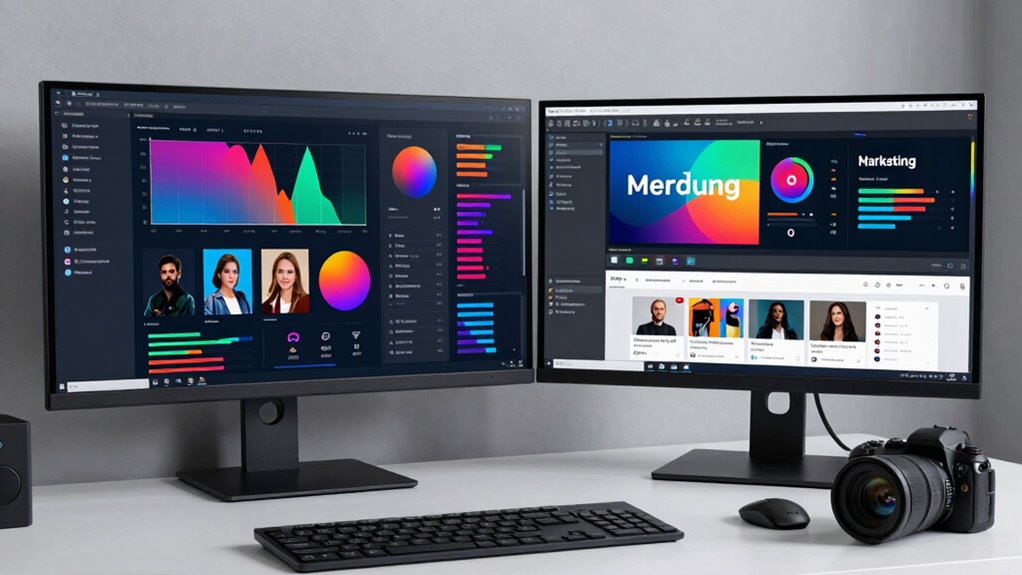

If you’re working in digital marketing, both ultrawide and dual monitors can boost your productivity, but they serve different needs. Ultrawide screens offer seamless, large workspace for multitasking without bezels, ideal for visuals and video editing. Dual monitors provide dedicated spaces for analytics, communication, and content creation, offering flexibility. To maximize efficiency, consider your workflow and ergonomic setup. Keep exploring to discover which setup best aligns with your specific tasks and workspace.

Get business pricing on office and shipping supplies
- Business-only prices and quantity discounts
- Tax-exempt purchasing
- Multiple users, one account, clear invoices
Key Takeaways
- Ultrawide monitors provide seamless, continuous viewing ideal for multitasking large visuals and data without bezels, enhancing workflow efficiency.
- Dual monitors allow task-specific setups, such as dedicated screens for analytics, content creation, and communication, improving organization.
- Proper calibration and ergonomic adjustments are crucial for both setups to maintain visual accuracy and reduce physical strain.
- Ultrawide screens simplify setup and reduce clutter, while dual monitors offer flexibility for different content types and workflows.
- The best choice depends on workspace space, task complexity, and preference for seamless versus specialized multitasking environments.
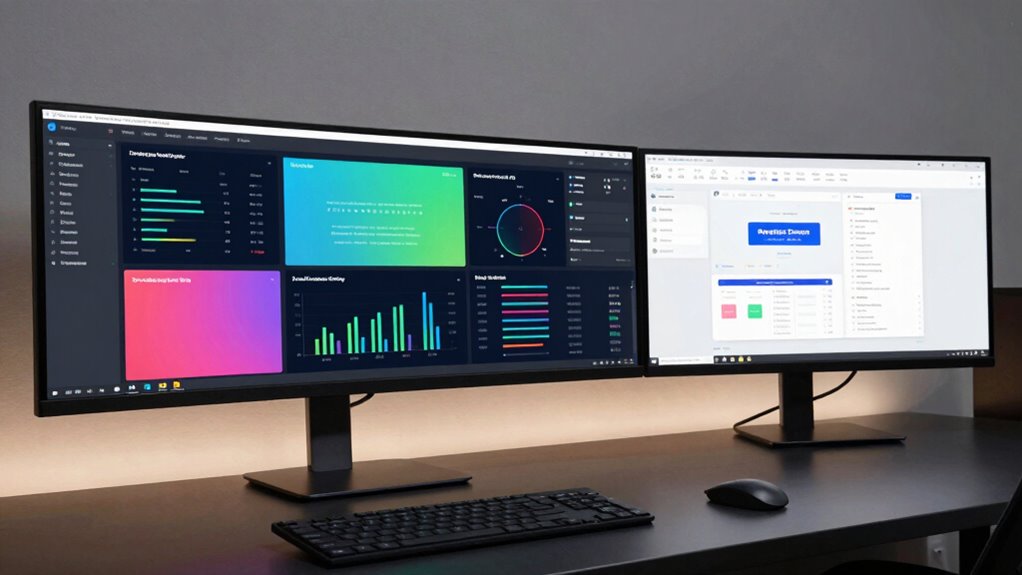
When it comes to optimizing your digital marketing workflow, choosing the right monitor setup can make a vital difference. Both ultrawide and dual monitors have their advantages, but your decision should align with your specific needs and preferences. One of the key factors to consider is how well each setup supports tasks like color calibration and creating an ergonomic setup. Accurate color calibration ensures that your visuals, ads, and analytics display correctly across screens, which is essential when working with branding or visual content. Whether you opt for an ultrawide or dual monitors, maintaining consistent color profiles across your screens ensures your work looks professional and precise.
An ultrawide monitor offers a seamless viewing experience, minimizing bezels and providing a broad, continuous workspace. This setup is particularly beneficial if you frequently work with large spreadsheets, video editing timelines, or multitask across multiple windows. Because ultrawide monitors typically have a larger surface area, they can reduce the need to switch between tabs or windows, streamlining your workflow. Additionally, choosing a monitor with a high contrast ratio can significantly enhance your ability to perceive details in dark or complex visuals, further improving your productivity. However, to maximize comfort and prevent strain, it’s vital to establish an ergonomic setup. Proper monitor height, distance, and angle help reduce neck and eye fatigue, so invest in adjustable stands or mounts if necessary. Some ultrawide monitors also come with features like flicker-free technology and blue light filters, which further enhance ergonomic comfort during long work sessions. Incorporating ergonomic principles into your setup can further boost your comfort and efficiency during extended periods of work.
Ultrawide monitors provide a seamless workspace, reducing switching and enhancing comfort with adjustable stands and eye-friendly features.
On the other hand, dual monitors allow for great flexibility. You can customize each screen for specific tasks—perhaps dedicating one to analytics dashboards and the other to content creation or communication tools. Dual screens also make it easier to organize your workspace, and if one monitor is of a higher quality or has better color calibration, you can use it for tasks requiring precise color accuracy. Setting up dual monitors requires more effort to ensure they are aligned at the same height and angle, creating a unified workspace that reduces strain. Ergonomics is equally important here; adjustable stands and proper placement allow you to minimize neck rotation and eye movement, keeping your posture healthy.
Ultimately, your choice depends on your workflow and workspace constraints. An ultrawide monitor simplifies multitasking with a single seamless display, but dual monitors provide more flexibility and customization. Regardless of your choice, prioritize proper color calibration to guarantee accurate visuals and invest in ergonomic setup to maintain comfort during long hours of digital marketing work. Both configurations can greatly boost your productivity when set up thoughtfully.
ultrawide monitor for digital marketing
As an affiliate, we earn on qualifying purchases.
As an affiliate, we earn on qualifying purchases.
Frequently Asked Questions
How Do Ultrawide Monitors Affect Color Accuracy for Marketing Visuals?
Ultrawide monitors can impact your color accuracy if they aren’t properly calibrated, affecting your marketing visuals’ consistency. You need to perform color calibration regularly to guarantee accurate color reproduction across the entire screen. When calibrated correctly, ultrawide monitors provide excellent visual consistency, allowing you to see true colors and detail, which is essential for creating compelling marketing visuals. Without calibration, color discrepancies could compromise your work’s quality.
Are Dual Monitors More Cost-Effective Than Ultrawide Options?
You’ll find dual monitors generally more cost-effective than ultrawide options, especially if you’re on a tight budget. A recent survey shows that dual setups can cost up to 30% less, giving you more flexibility to upgrade or add accessories. When considering cost comparison, think about your budget considerations and whether the added screen real estate from ultrawides justifies the higher price. Dual monitors often provide a better balance between cost and productivity.
Which Setup Is Better for Collaborative Remote Work in Marketing Teams?
For collaborative remote work, dual monitors often work best because they make screen sharing and team collaboration easier. You can dedicate one screen to a video call or chat, while using the other for work tasks, preventing constant toggling. Ultrawide monitors can also support collaboration, but dual setups give you more flexibility and better multitasking, helping your team stay connected and productive during remote marketing sessions.
Do Ultrawide Monitors Improve Multitasking Efficiency More Than Dual Monitors?
Ultrawide monitors can improve your multitasking efficiency more than dual monitors by offering seamless screen real estate and better workspace organization. With a single, expansive display, you can easily view multiple windows side by side without managing multiple bezels or switching between screens. This setup reduces clutter and distractions, allowing you to focus on tasks more efficiently and streamline your digital marketing workflow with fewer interruptions.
How Do Monitor Sizes Impact Desk Space and Ergonomics?
Monitor sizes considerably impact your desk space and ergonomics. Larger screens, like ultrawides, can reduce clutter by replacing multiple monitors, but they require ample desk space and proper monitor placement for keyboard comfort. Smaller monitors save space but might force you to lean or stretch, affecting comfort. Choose a size that balances your workspace, ensuring your monitor is at eye level and your keyboard stays comfortable for long hours.
dual monitor setup for productivity
As an affiliate, we earn on qualifying purchases.
As an affiliate, we earn on qualifying purchases.
Conclusion
Choosing between ultrawide and dual monitors ultimately depends on your workflow and preferences. Both setups can boost your productivity, but it’s essential to pick what feels right for you. Remember, the grass isn’t always greener—sometimes, sticking with what works best is the smartest move. Whichever you choose, make sure it’s a setup that helps you work smarter, not harder. After all, in digital marketing, your tools should work as hard as you do.
ergonomic adjustable monitor stand
As an affiliate, we earn on qualifying purchases.
As an affiliate, we earn on qualifying purchases.
color calibration monitor for designers
As an affiliate, we earn on qualifying purchases.
As an affiliate, we earn on qualifying purchases.
Fall Picks
fall essentials
As an affiliate, we earn on qualifying purchases.