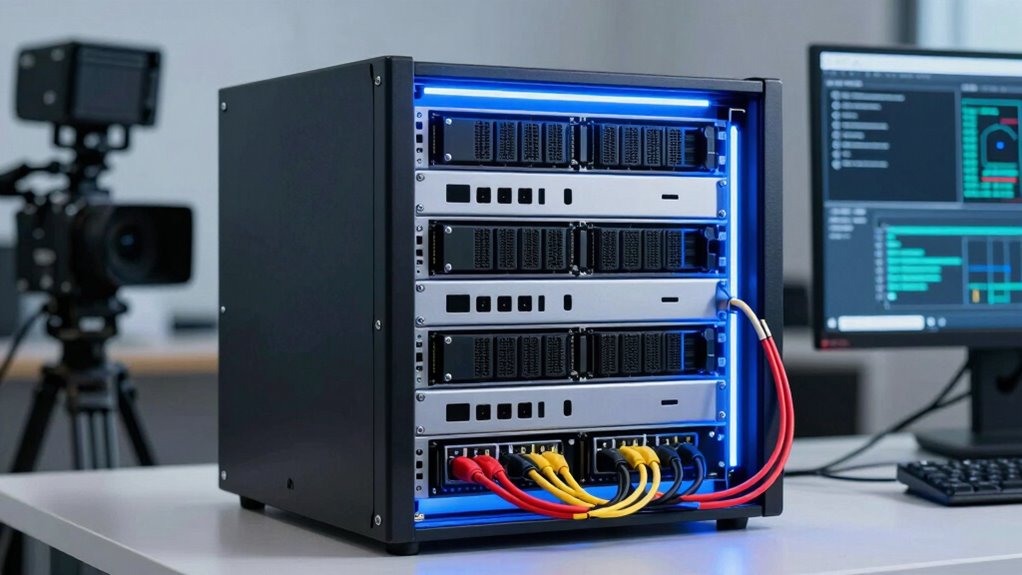

RAID is essential for video-heavy marketing teams because it protects your valuable footage by spreading data across multiple disks, preventing data loss if a drive fails. It also boosts performance, speeds up rendering, and allows easy scalability as your storage needs grow. RAID setups ensure your workflow stays uninterrupted, saving time and minimizing downtime. To understand how different configurations can benefit your setup and keep your assets secure, continue exploring further.
Key Takeaways
- RAID provides data redundancy, protecting video assets from hardware failures and minimizing downtime.
- Different RAID levels (e.g., RAID 5/6, RAID 10) balance performance, security, and scalability for video workflows.
- Scalability allows incremental storage expansion without system overhaul, supporting increasing data needs.
- RAID speeds up rendering and editing processes, enhancing collaboration for high-resolution video projects.
- It ensures continuous access and quick recovery, safeguarding valuable video content for marketing teams.
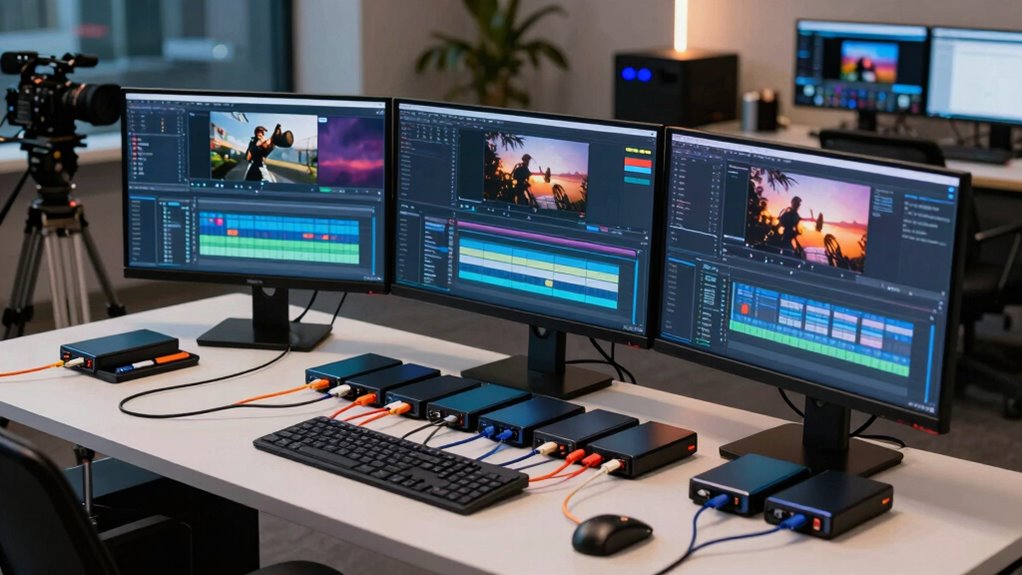
Are your video assets safe and easily accessible? For a marketing team that relies heavily on video content, ensuring your data remains protected and available is crucial. That’s where RAID (Redundant Array of Independent Disks) systems come into play. RAID offers a robust solution for managing large volumes of video files, providing both data redundancy and storage scalability. Data redundancy means your files are mirrored or spread across multiple disks, so if one drive fails, your footage isn’t lost. This setup minimizes downtime and keeps your campaign workflows uninterrupted. Storage scalability, on the other hand, allows you to expand your storage capacity as your video library grows. Instead of overhauling your entire system, you can add more disks to a RAID array, making it easier to handle increasing data loads without sacrificing performance.
Protect your video assets with RAID for security, scalability, and uninterrupted creative workflows.
With RAID, you get a combination of speed, security, and flexibility tailored to your needs. For example, RAID 5 or RAID 6 configurations distribute data across disks, ensuring that even if one or two drives fail, your system continues to operate smoothly. This is especially beneficial for marketing teams that frequently upload, edit, and share large video files. You don’t want to risk losing hours of footage or having delays in your project timeline because of hardware failure. RAID’s data redundancy protects you from that, providing peace of mind and safeguarding your creative assets. Additionally, understanding the different RAID configurations helps you choose the best setup for your specific needs.
Moreover, as your video collection expands, storage scalability becomes essential. Traditional single-disk solutions often require replacing or upgrading drives, which can be both costly and disruptive. RAID arrays allow you to add disks incrementally, growing your storage capacity without significant downtime. This flexibility makes it easier to manage your increasing data demands efficiently. Plus, with options like RAID 10, you combine the benefits of mirroring and striping, boosting performance while maintaining safety. For a marketing team, this means faster rendering times and smoother collaboration, especially when working with high-resolution videos.
Utilizing RAID configurations also enhances your ability to perform regular backups and recover data swiftly in case of failures, further fortifying your storage strategy. In essence, understanding and implementing RAID configurations help you create a resilient storage environment. This setup not only protects your valuable video assets through data redundancy but also scales conveniently as your needs evolve. You’ll find that investing in a solid RAID strategy minimizes the risk of data loss, maximizes uptime, and streamlines your workflow. For any video-heavy marketing team, this approach ensures your content remains safe, accessible, and ready for deployment whenever you need it. Properly managing your storage solutions with data redundancy is key to maintaining seamless and secure operations.

SSK 4TB Personal Cloud Network Attached Storage Support Wireless Remote Access, Home Office NAS Storage with 4T Hard Drive Included for Phone, Tablet, Laptop Auto-Backup, Wired Ethernet Only,No WiFi
Your personal cloud storage with 4TB large capacity doesn't have own WIF: This NAS built-in 3.5inch 4TB storage,…
As an affiliate, we earn on qualifying purchases.
As an affiliate, we earn on qualifying purchases.
Frequently Asked Questions
How Does RAID Impact Video Editing Workflow Speed?
RAID speeds up your video editing workflow by providing faster data access through improved read/write speeds, especially with configurations like RAID 0. It also offers data redundancy, protecting your work from drive failures, and allows for storage scalability as your needs grow. This means you spend less time waiting for files to load or save, enabling you to focus more on creative edits and project delivery.
Can RAID Prevent Data Loss From Accidental Deletion?
Think of RAID as a safety net for your data. While it can protect against hardware failures, it doesn’t prevent accidental deletion. To truly safeguard your work, you need cloud backups that store copies externally and data encryption to secure sensitive files. These tools work together, like a vault with multiple layers of protection, ensuring you can recover your videos even if you hit delete by mistake.
What Is the Best RAID Level for Large Video Files?
The best RAID level for large video files is RAID 6, as it provides high data redundancy and fault tolerance, essential for protecting sizable media assets. It offers storage scalability by combining multiple drives, ensuring your data remains safe even if two drives fail simultaneously. This setup minimizes downtime, streamlines storage management, and keeps your video projects secure, making RAID 6 ideal for handling large, critical video files efficiently.
How Often Should RAID Arrays Be Maintained?
Think of your RAID array as a living, breathing guardian of your data. You should maintain it regularly—at least quarterly or after significant changes—to guarantee data redundancy and storage scalability. Regular checks prevent silent failures and keep your system resilient. By proactively maintaining your RAID, you safeguard your valuable video files, ensuring your creative work stays protected, accessible, and ready to scale as your team grows.
Is Hardware or Software RAID Better for Marketing Teams?
Hardware RAID is generally better for marketing teams because it offers faster performance and dedicated processing, reducing downtime during data transfer. It also provides better network redundancy, ensuring your video files stay accessible even if one component fails. While cloud storage is useful for off-site backups, combining hardware RAID with cloud solutions gives you a robust, reliable system that keeps your marketing assets safe and easily accessible.

Seagate Exos X10 HDD | ST10000NM0086 | 10TB 7200RPM | SATA 6Gb/s 256MB Cache 3.5-Inch | 512e | Enterprise Internal Hard Disk Drive (Renewed)
This Certified Refurbished product is tested and certified to look and work like new. The refurbishing process includes…
As an affiliate, we earn on qualifying purchases.
As an affiliate, we earn on qualifying purchases.
Conclusion
By understanding RAID configurations, you can guarantee your video marketing content stays safe and accessible, even during hardware failures. You might think setting up RAID is too complex or costly, but the reality is, the investment pays off by preventing costly data loss and minimizing downtime. With a bit of planning, you’ll protect your valuable footage and keep your campaigns running smoothly. Don’t wait for a crash—get started on securing your video assets today.
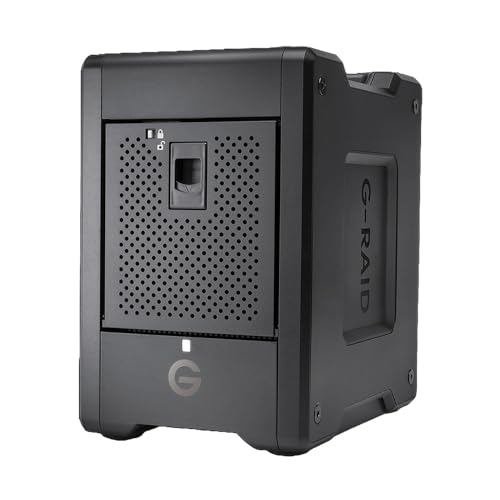
SanDisk Professional G-RAID Shuttle 4-Bay Thunderbolt 3 RAID Array with 80TB (4x 20TB) Removable HDD
EXPANSIVE 80TB STORAGE – Offers substantial capacity with 4x 20TB removable Ultrastar enterprise-class hard drives, perfect for demanding…
As an affiliate, we earn on qualifying purchases.
As an affiliate, we earn on qualifying purchases.
data redundancy storage for video assets
As an affiliate, we earn on qualifying purchases.
As an affiliate, we earn on qualifying purchases.