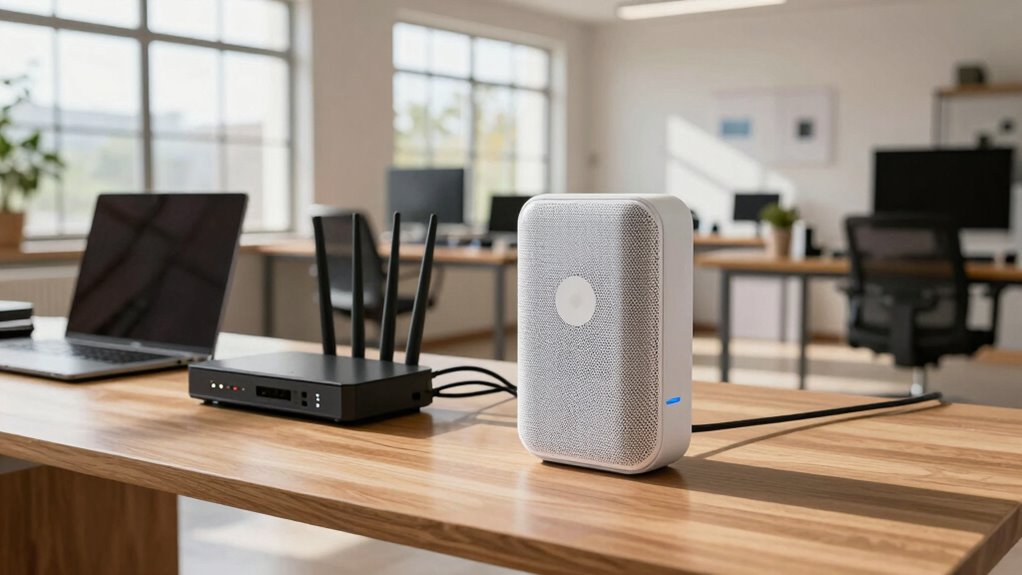

For a large home office, a mesh WiFi system is usually the better choice because it provides seamless coverage across multiple rooms and reduces dead zones. It’s easier to manage and troubleshoot through centralized apps, and it handles smart devices and high bandwidth needs better than traditional routers. With security features and reliable updates built-in, mesh systems help keep your network secure. Keep exploring to see how mesh can perfectly fit your home office needs.
Key Takeaways
- Mesh WiFi offers seamless coverage across large areas, eliminating dead zones common with traditional routers.
- Mesh systems provide centralized management and troubleshooting via apps, simplifying network maintenance.
- They support smart home devices with advanced QoS and traffic prioritization for better performance.
- Built-in security features and automatic updates enhance protection compared to manual management of traditional routers.
- Brand reputation and long-term reliability are typically stronger in mesh systems designed for extensive coverage.
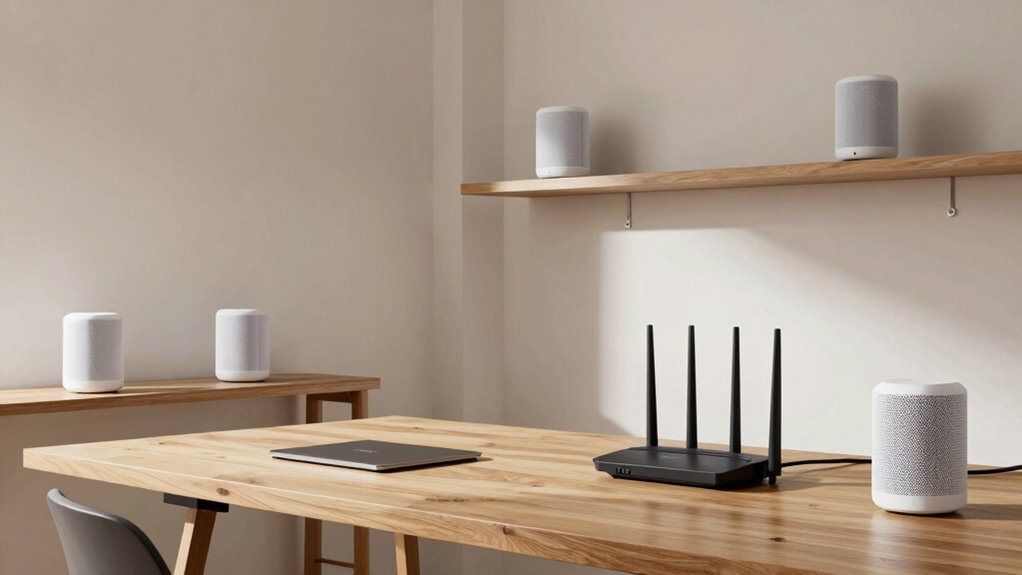
When setting up a reliable internet connection in a large home office, choosing the right WiFi system is essential. You need a setup that guarantees seamless coverage across multiple rooms, supports your smart home integration, and keeps your network secure. Traditional routers can sometimes fall short in these areas, especially in larger spaces, which is where mesh WiFi systems stand out. Mesh networks use multiple nodes that communicate with each other to create a single, unified network, eliminating dead zones and providing consistent speeds throughout your home. In contrast, traditional routers typically rely on a single device, which can struggle to cover extensive areas without additional extenders or boosters, often leading to weak signals or dropped connections. Understanding network coverage is crucial for selecting the right system for your needs. Additionally, mesh systems often incorporate network management tools that make it easier to monitor and control your network performance. These tools can also help you identify and troubleshoot connectivity issues more efficiently, especially in environments with many connected devices.
Smart home integration is another critical factor. Modern mesh WiFi systems are designed to easily connect with your smart devices, allowing you to control lights, thermostats, security cameras, and more through a centralized app. These systems often come with features that prioritize traffic for smart devices, ensuring they operate smoothly without interruptions. They also tend to support advanced QoS (Quality of Service) features that optimize bandwidth allocation for different types of traffic, enhancing overall network performance. Traditional routers may support smart home devices too, but they often lack the advanced management tools that mesh systems offer, making it more challenging to optimize and troubleshoot your smart home network.
Network security remains a top concern, especially when dealing with multiple devices and sensitive work data. Mesh WiFi systems typically include built-in security features like automatic firmware updates, guest networks, and advanced encryption protocols, which help protect your network from unauthorized access. They also enable you to manage security settings easily across all nodes from a single interface. On the other hand, traditional routers can be secure if properly configured, but they often require manual updates and more technical knowledge to keep the network safe. Without proper setup, they may leave vulnerabilities that cybercriminals can exploit. Additionally, brand reputation plays a significant role in the security and reliability of your network equipment, influencing long-term performance and support. Being aware of security features and ongoing maintenance is vital for maintaining a safe and resilient network environment.

TP-Link Deco X55 AX3000 WiFi 6 Mesh System – Covers up to 6500 Sq.Ft, Replaces Wireless Router and Extender, 3 Gigabit Ports per Unit, Supports Ethernet Backhaul, Deco X55(3-Pack)
Wi-Fi 6 Mesh Wi-Fi – Next-gen Wi-Fi 6 AX3000 whole home mesh system to eliminate weak Wi-Fi for…
As an affiliate, we earn on qualifying purchases.
As an affiliate, we earn on qualifying purchases.
Frequently Asked Questions
Can Mesh Systems Handle Multiple Devices Simultaneously Without Lag?
Yes, mesh systems can handle multiple devices simultaneously without lag, thanks to features like bandwidth management and device prioritization. These tools help optimize your network, ensuring that high-priority devices get the necessary bandwidth and that overall performance remains smooth. With a mesh system, you experience fewer drops or lag spikes, even when multiple devices are connected, making it ideal for large home offices with heavy internet usage.
How Easy Is It to Set up a Mesh Wifi Network?
Setting up a mesh WiFi network is as simple as promising to clean your room—surprisingly straightforward. You connect a few nodes, follow intuitive prompts, and voila, your network’s secured with robust encryption. Regular firmware updates keep it safe from hackers, just like changing passwords. Network security is baked in, and setup usually takes less time than arguing with tech support. Just follow the steps, and you’re good to go!
Do Mesh Routers Require More Maintenance Than Traditional Routers?
Mesh routers generally require similar maintenance as traditional routers. You’ll need to regularly update firmware to guarantee security and performance. Unlike traditional routers, mesh systems automatically optimize signals, reducing interference, but you should still check for firmware updates to prevent signal interference issues. Overall, mesh systems are designed to be user-friendly, with minimal upkeep, making them suitable for large home offices needing reliable, low-maintenance WiFi coverage.
Are There Specific Brands Better for Large Home Offices?
Imagine a reliable bridge spanning your entire home office, connecting every device seamlessly. Some brands like Netgear, Asus, and Eero stand out for large spaces, thanks to their solid reputation and excellent customer support. These brands often design routers specifically for extensive coverage, making your work smoother. Trust their quality and support to guarantee your network remains stable, no matter how big your home office gets.
How Does the Cost of Mesh Wifi Compare Long-Term?
Long-term, mesh WiFi tends to be more cost-effective because it offers better coverage, reducing the need for multiple upgrades. Plus, mesh security features protect your entire network more efficiently, saving you potential costs from security breaches. It also maintains router compatibility, ensuring you can add nodes easily without replacing your entire system. Although initial investment is higher, the improved performance and security make mesh WiFi a smart long-term choice.

TP-Link AX1800 WiFi 6 Router (Archer AX21) – Dual Band Wireless Internet, Gigabit, Easy Mesh, Works with Alexa – A Certified for Humans Device, Free Expert Support
DUAL-BAND WIFI 6 ROUTER: Wi-Fi 6(802.11ax) technology achieves faster speeds, greater capacity and reduced network congestion compared to…
As an affiliate, we earn on qualifying purchases.
As an affiliate, we earn on qualifying purchases.
Conclusion
Choosing between mesh WiFi and traditional routers for your large home office is like picking the right tool for a big job—you need a solution that covers every nook and cranny without leaving you hanging. Mesh WiFi offers seamless coverage that keeps your connection steady, while traditional routers might leave blind spots. Ultimately, it’s about finding a setup that keeps your network running smoothly so you’re not fighting an uphill battle.

Amazon eero 7 dual-band mesh Wi-Fi 7 router (newest model) – Supports internet plans up to 2.5 Gbps, Coverage up to 4,000 sq. ft., 2-pack
OUR MOST AFFORDABLE WI-FI 7 ROUTER – eero 7 helps you future-proof your network and make the most…
As an affiliate, we earn on qualifying purchases.
As an affiliate, we earn on qualifying purchases.

Keep Connect Router Wi-Fi Reset Device. Automatic Router Rebooter. If You Enter a Phone Number it Will Send Texts Upon resets.
Automatic Router Rebooter – Stop manually rebooting your router and let Keep Connect automate the process. Keep Connect…
As an affiliate, we earn on qualifying purchases.
As an affiliate, we earn on qualifying purchases.