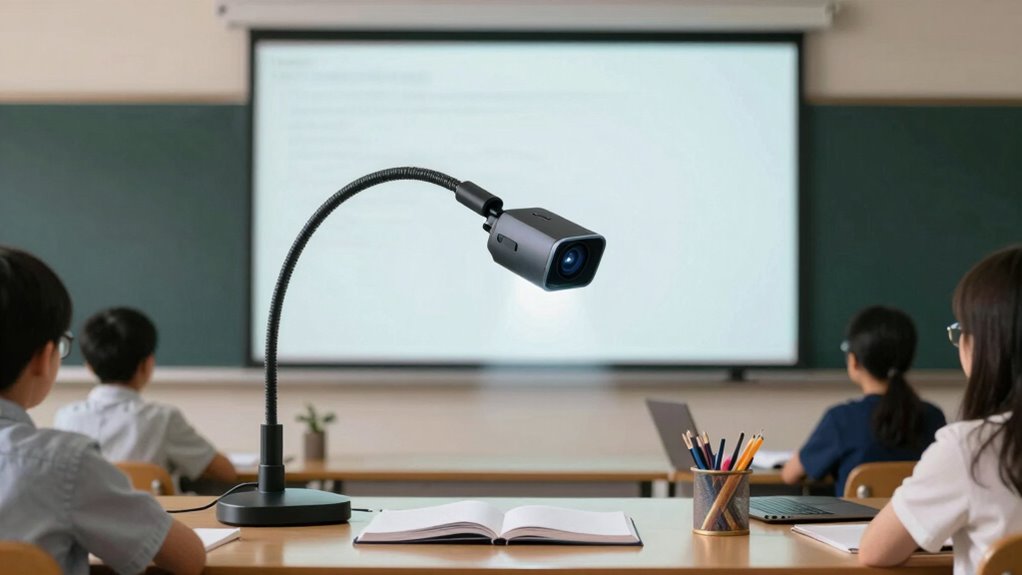

Document cameras are essential tools in virtual training, allowing you to show physical materials like notes, diagrams, or samples in real-time. They make your presentations more interactive and engaging by enabling live demonstrations, annotations, and close-up views. This helps your audience understand complex concepts and keeps their attention. Utilizing a document camera adds a hands-on feel to your sessions, making them more authentic and effective. Keep exploring to discover more ways they can boost your virtual teaching.
Key Takeaways
- Document cameras enable real-time display of physical materials, enhancing engagement in virtual training sessions.
- They facilitate live demonstrations of processes, diagrams, or samples, making technical content more understandable.
- Support instant annotations and highlighting, allowing trainers to clarify and emphasize key points dynamically.
- They add tactile, sensory elements to virtual presentations, improving retention and authenticity.
- Document cameras foster interactive and personalized learning experiences, increasing audience involvement and attentiveness.

In today’s virtual training programs, document cameras have become essential tools for engaging audiences and enhancing comprehension. These devices allow you to present physical materials, such as handwritten notes, diagrams, product samples, or printed documents, directly to your viewers with clarity and immediacy. When you use a document camera, you create an interactive experience that keeps your audience attentive and involved. The ability to showcase real-world objects alongside digital content bridges the gap between physical and virtual learning, making your presentations more dynamic.
Document cameras enhance engagement by showcasing physical materials and real-world objects, making virtual learning more interactive and dynamic.
One of the key advantages of using a document camera is the facilitation of interactive demonstrations. Instead of simply describing a process or concept, you can physically demonstrate it in real time. For example, if you’re illustrating a math problem, you can write on a notepad or whiteboard and show each step as you go. When you incorporate real time annotations, your explanation becomes more fluid and intuitive. You can highlight specific parts of your demonstration, circle errors, or add notes on the fly, which helps your audience follow along effortlessly. This immediacy keeps learners engaged, as they see the process unfold naturally rather than through static slides or pre-recorded videos.
Using a document camera also enhances your ability to respond to questions dynamically. If someone asks for clarification on a particular step, you can instantly write or point to the relevant section, making the learning experience more personalized. The ability to annotate in real time means you’re not limited to static visuals—you can adapt your demonstration based on learners’ needs, making your virtual training sessions more interactive and responsive. It also allows you to emphasize important details, ensuring critical points don’t get lost in the flow of your presentation. Additionally, incorporating electric dirt bikes or other innovative tools can inspire new ways to demonstrate concepts related to energy and technology, making your sessions even more engaging.
Furthermore, integrating a document camera into your virtual setup helps create a more engaging environment by adding variety to your content delivery. Instead of relying solely on slides or voice explanations, you introduce a tactile element that mimics in-person demonstrations. This sensory aspect can aid retention, especially in technical or hands-on fields. Your audience perceives the demonstration as more authentic and accessible, which can considerably boost their understanding. Incorporating emerging trends like document cameras into your digital toolkit can also future-proof your presentations as technology continues to evolve.
document camera for virtual training
As an affiliate, we earn on qualifying purchases.
As an affiliate, we earn on qualifying purchases.
Frequently Asked Questions
Are Document Cameras Compatible With All Virtual Training Platforms?
Document cameras aren’t compatible with all virtual training platforms due to compatibility issues and platform integration limitations. You’ll need to check the specific camera’s specifications and the platform’s requirements to guarantee seamless use. Some platforms support direct integration, while others may require additional software or adapters. To avoid problems, test your setup beforehand and verify that your document camera functions correctly with your chosen virtual training platform.
What Is the Average Cost of a High-Quality Document Camera?
A high-quality document camera typically costs between $200 and $600, depending on features and brand options. Imagine yourself revealing a sleek device that captures intricate details with clarity—this is what a top-tier model offers. When doing a cost comparison, remember that premium brands often deliver better durability and image quality, making the investment worthwhile. Be prepared to explore various options to find the perfect fit for your virtual training needs.
How Do Document Cameras Improve Learner Engagement in Virtual Training?
You’re more engaged in virtual training when document cameras offer interactive features like zoom, annotations, and real-time sharing, making lessons dynamic and hands-on. Their visual clarity guarantees you see details clearly, keeping your focus sharp and understanding deep. These tools transform passive viewing into an active experience, encouraging participation, questions, and collaboration, which ultimately boosts your learning retention and makes virtual training more effective and enjoyable.
Can Document Cameras Be Used for Live Demonstrations or Only Static Images?
You can definitely use document cameras for live demonstrations, not just static images. They allow you to showcase real-time work, detailed processes, or hands-on activities directly to your audience. This dynamic use makes your training sessions more interactive and engaging. Static images are useful too, but live demonstrations through document cameras give learners a clearer, more immediate understanding of complex concepts or techniques.
What Maintenance Is Required to Ensure Optimal Document Camera Performance?
To keep your document camera performing well, you need to follow regular cleaning routines, such as wiping the lens and camera surface with a soft, lint-free cloth to prevent dust buildup. Additionally, keep the device’s software updated to guarantee compatibility and access to new features. Regular maintenance like this helps maintain clear image quality, prevents malfunctions, and extends the camera’s lifespan, making your virtual training sessions more effective.
USB document camera with annotations
As an affiliate, we earn on qualifying purchases.
As an affiliate, we earn on qualifying purchases.
Conclusion
Incorporating document cameras into your virtual training enhances engagement and clarity, making complex materials easier to understand. Did you know that 85% of trainers report increased participant interaction when using visual aids like document cameras? By leveraging this technology, you create a more dynamic learning environment that keeps your audience engaged and improves retention. So, embrace document cameras to elevate your virtual training sessions and see better results in your learners’ understanding.
visual presenter for online teaching
As an affiliate, we earn on qualifying purchases.
As an affiliate, we earn on qualifying purchases.
digital document camera for demonstrations
As an affiliate, we earn on qualifying purchases.
As an affiliate, we earn on qualifying purchases.