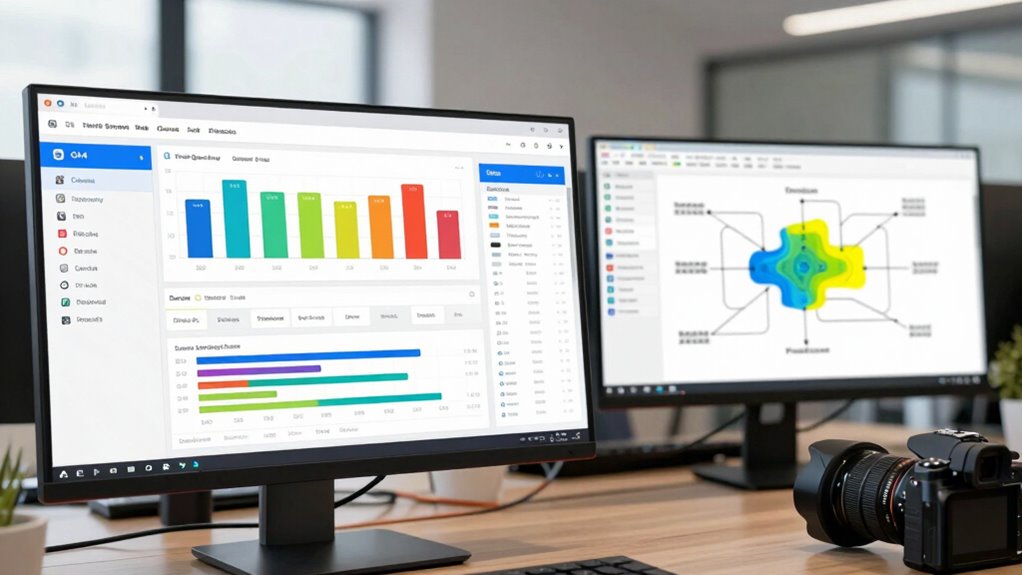

To diagnose your traffic quality using GA4 and CRM data, start by analyzing engagement metrics like session duration, pages per session, and bounce rates in GA4 to identify high-interest visitors. Next, match this data with your CRM to see which segments convert into leads or customers. Focus on sources that bring in engaged, converting visitors and ignore low-quality traffic. Continuing will reveal how to refine your strategies for better targeting and results.

Get office and shipping supplies delivered free — and shop member deals
- Fast, free delivery on millions of items
- Access to Prime Big Deal Days deals on October 6–7
- Prime Video, Amazon Music and more included
Key Takeaways
- Analyze GA4 engagement metrics like session duration, pages per session, and bounce rate to assess visitor interest and content relevance.
- Track conversion rates from GA4 and CRM data to identify high-quality traffic sources that lead to actual actions.
- Integrate GA4 and CRM data to pinpoint channels attracting engaged visitors who convert into leads or customers.
- Compare traffic sources’ engagement and conversion metrics to filter out low-quality, unresponsive traffic.
- Use insights to optimize marketing focus on high-value channels and improve overall traffic quality.
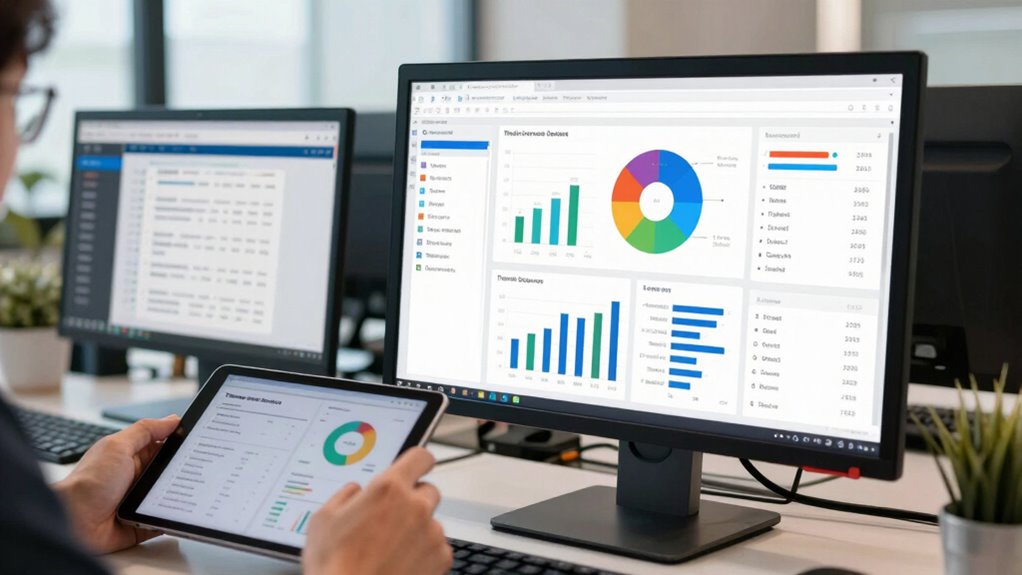
Understanding the quality of your website traffic is essential for optimizing marketing efforts and boosting conversions. When you know how visitors behave once they land on your site, you can make smarter decisions to improve performance. To do this effectively, you need to analyze key indicators like user engagement and conversion metrics. User engagement reveals how visitors interact with your content, whether they click through multiple pages, spend time on your site, or engage with your calls to action. These behaviors help you determine if your traffic is genuinely interested or just passing through without meaningful interaction.
Understanding website traffic quality helps optimize marketing and increase meaningful engagement and conversions.
Using GA4 (Google Analytics 4), you get a detailed view of user engagement. Metrics like session duration, pages per session, and bounce rate show how engaged your visitors are. If your bounce rate is high and session duration is low, it suggests that your traffic might not be high quality, or your content isn’t resonating well. Conversely, longer sessions and multiple page views indicate that visitors find your content relevant and engaging. By tracking these engagement metrics over time, you can identify patterns and see whether recent marketing campaigns are bringing in quality traffic or just volume. Incorporating content relevance into your analysis can further help you understand how well your content aligns with visitor interests.
Beyond engagement, conversion metrics are vital for evaluating traffic quality. These metrics track how many visitors complete desired actions, like filling out a contact form, signing up for a newsletter, or making a purchase. If your traffic volume increases but your conversion rate stays stagnant or drops, it’s a clear sign that the influx of visitors isn’t translating into meaningful results. Integrating data from your CRM allows you to see which segments of your traffic are actually converting into leads or customers. For example, if you notice that visitors from a specific campaign or source have low engagement but high conversions once they do engage, you can focus on optimizing that traffic source.
Combining GA4 data with your CRM insights helps you diagnose traffic quality more accurately. You can identify which channels or campaigns attract high-engagement visitors who also convert, and which ones bring in low-quality traffic. This dual approach lets you refine your marketing strategies—focusing on the channels that deliver engaged, converting visitors while reducing efforts on those that don’t. Recognizing traffic quality as a crucial factor in your analytics enables more precise targeting and resource allocation. Additionally, understanding audience segmentation can help you tailor your marketing efforts to attract more high-value visitors. Ultimately, by paying close attention to user engagement and conversion metrics, you gain a clearer understanding of your traffic’s quality, enabling you to allocate resources more effectively and improve your overall marketing ROI.
Google Analytics 4 traffic analysis tools
As an affiliate, we earn on qualifying purchases.
As an affiliate, we earn on qualifying purchases.
Frequently Asked Questions
How Often Should I Review Traffic Quality Reports?
You should review your traffic quality reports weekly to keep your data accurate and maintain effective traffic segmentation. Regular reviews help you quickly identify issues like low-quality traffic or data discrepancies, allowing you to make timely adjustments. Consistent monitoring guarantees you stay aligned with your marketing goals, optimize campaigns efficiently, and improve overall data accuracy, so your decision-making remains well-informed and responsive to changing traffic patterns.
Can CRM Data Influence GA4 Traffic Analysis?
Yes, CRM data can influence GA4 traffic analysis through customer segmentation and data integration. When you integrate CRM data, you gain deeper insights into your audience, allowing you to filter traffic based on specific customer groups. This helps you identify high-quality traffic sources and understand user behavior better. By combining these data sets, you get a clearer picture of how different segments engage, improving your overall traffic quality assessment.
What Tools Complement GA4 and CRM for Traffic Diagnosis?
You can enhance your traffic diagnosis by using tools like heatmaps and session recordings to observe user behavior directly. Incorporate audience segmentation to identify specific visitor groups, and leverage cross-channel analysis tools to compare traffic sources and channel performance. These tools help you understand user engagement more deeply, enabling you to pinpoint quality traffic sources, optimize campaigns, and improve overall marketing effectiveness alongside GA4 and CRM data.
How Do I Identify Bot Traffic in GA4?
Like Sherlock hunting clues, you can spot bot traffic in GA4 by examining traffic anomalies, such as sudden spikes or inconsistent user behavior. Enable bot detection features and review traffic sources for suspicious activity. Look for unusual session durations or high bounce rates, which often indicate bots. Combining these insights helps you identify and filter out non-human traffic, ensuring your data reflects real user engagement.
What Metrics Best Indicate Low-Quality Traffic?
You can identify low-quality traffic by examining traffic sources and user behavior metrics. Look for sources that generate high bounce rates, short session durations, or low engagement. Unusual spikes from unfamiliar sources often indicate poor traffic quality. Additionally, monitor metrics like pages per session and conversions; if these are low despite high traffic volume, it suggests the traffic isn’t genuinely interested or valuable.
CRM integration software for marketing
As an affiliate, we earn on qualifying purchases.
As an affiliate, we earn on qualifying purchases.
Conclusion
By weaving together GA4 insights and CRM data, you craft a clearer picture of your traffic’s true essence. Think of it as tuning a fine instrument—each note, or data point, revealing the harmony or discord in your audience’s engagement. When you listen closely, you’ll uncover the hidden rhythms that drive quality traffic, allowing you to fine-tune your strategies like a master conductor, ensuring your digital symphony resonates with the right audience at the right time.
website engagement tracking tools
As an affiliate, we earn on qualifying purchases.
As an affiliate, we earn on qualifying purchases.
conversion rate optimization tools
As an affiliate, we earn on qualifying purchases.
As an affiliate, we earn on qualifying purchases.
Halloween Picks
halloween
As an affiliate, we earn on qualifying purchases.